The Forgotten Folk
A hidden world inside our own, set in the year 1990.
Five centuries ago, a rift tore open in the hills above a small Castilian town. Out spilled creatures, mages, and warriors from a world the survivors would later call the Lost Realm. The arrivals stepped into Iberia at the height of the Inquisition, and most did not survive their first year.
The descendants of those refugees, the Forgotten Folk, have spent the intervening centuries weaving a parallel society across the globe. Concealed enclaves, warded markets, hidden schools, and a fragile network of accords with whatever native magical traditions they could find. By 1990, the Folk number in the hundreds of thousands, scattered through every major city and quiet rural pocket on Earth, and most humans have never knowingly met one.
Start Here
- The Rift: what happened in 1487, and why
- Who the Folk Are: the people, their lineages, their accords
- Places: locations across the hidden world
- Organizations: guilds, factions, and shadow councils
Behind the DM Screen
The world above is free to read. Patrons get the full, DM-tier versions of pages like Shahzir's Library, The Forum, Great Hall, Goblin Bank, Wizard Prison, and Magic Tent: interactive, multi-level battle maps with walls, lighting, ambient sound, macros, and the secrets tucked into the scenery. On the public site those pages stay locked (the links above go nowhere), so join on Patreon and sign in to read them, then sync them straight into Foundry.
The Maps
A look at some of the battle maps waiting inside. The full interactive, multi-level scenes unlock for patrons.
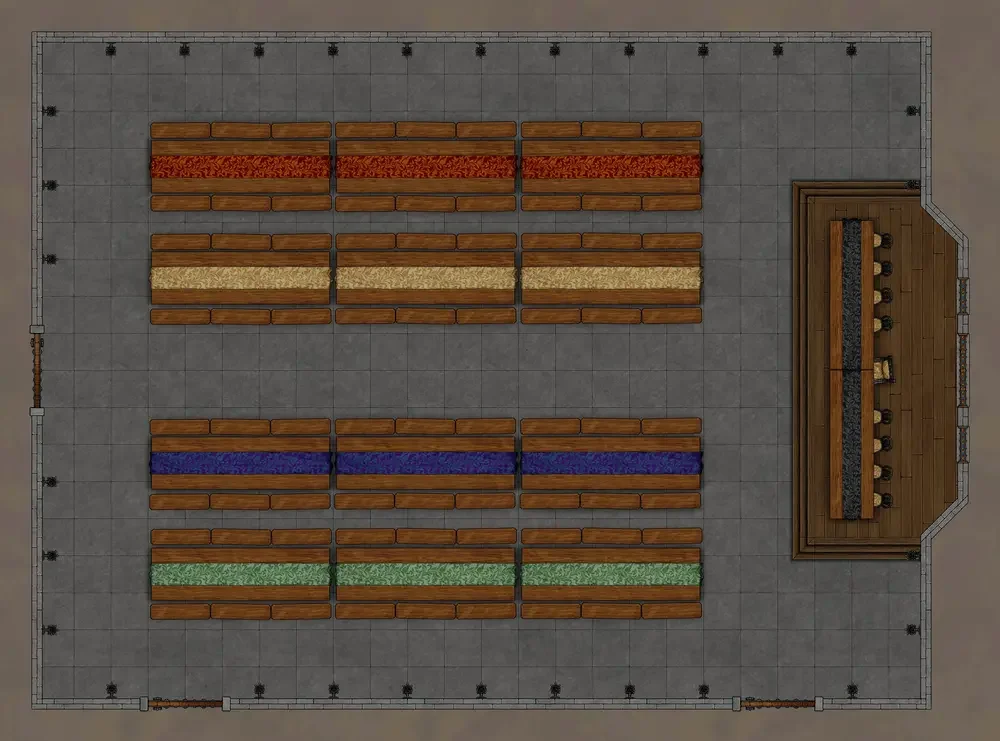 The Great Hall
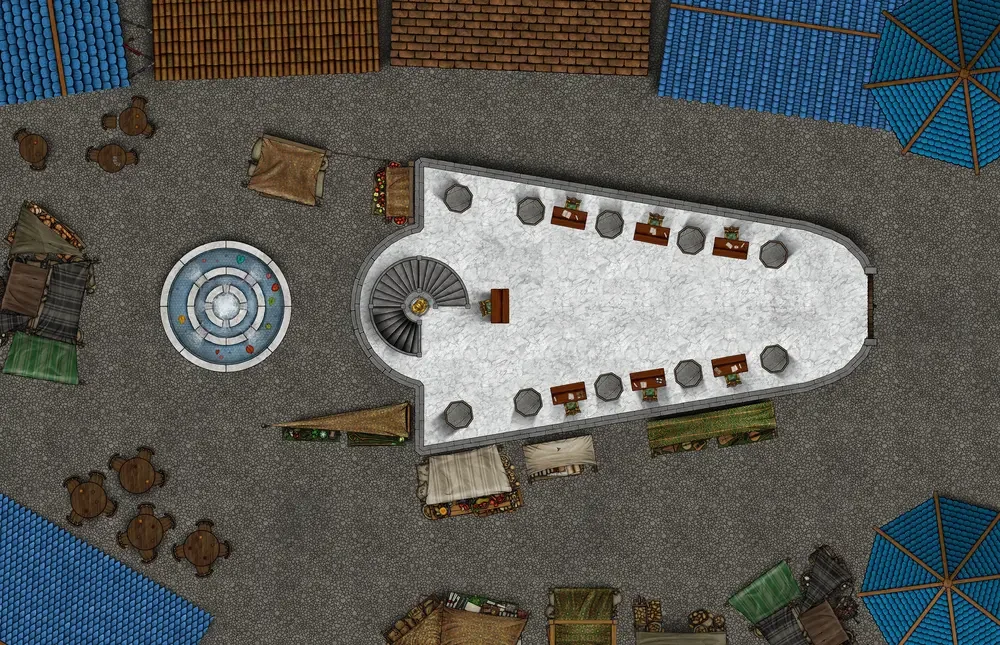 The Goblin Bank
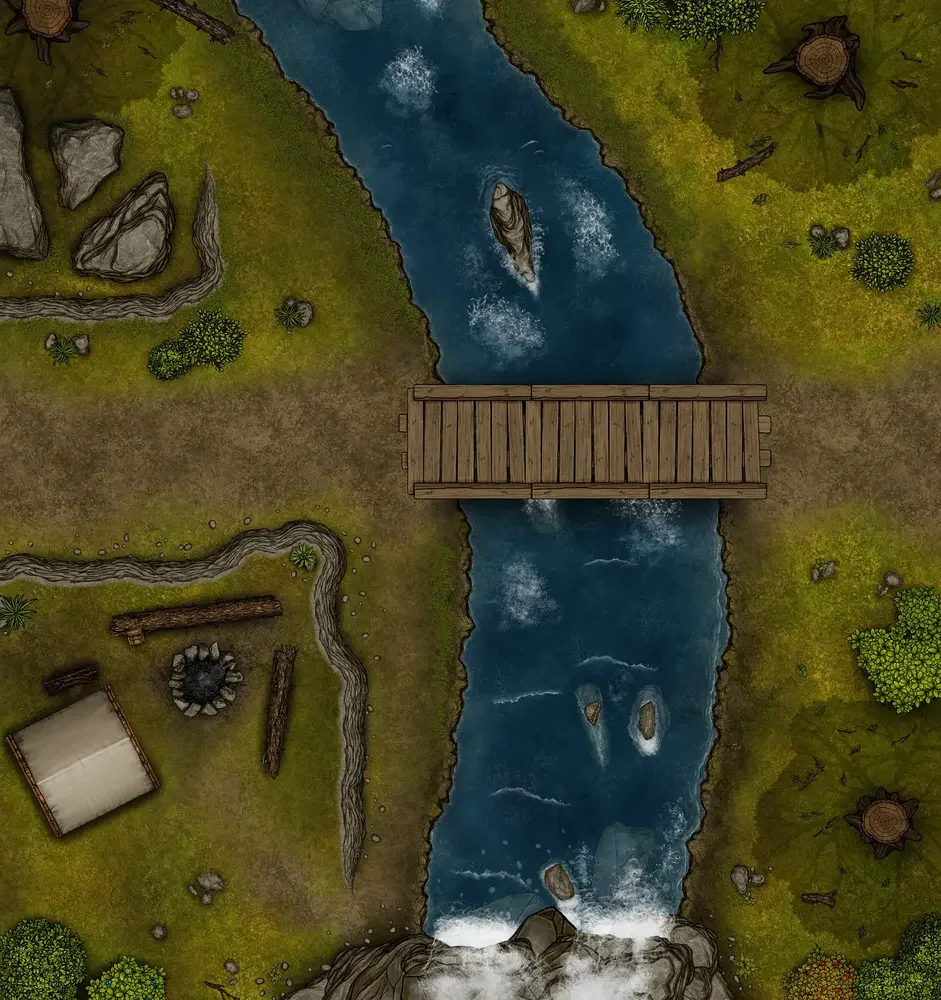 Forest River
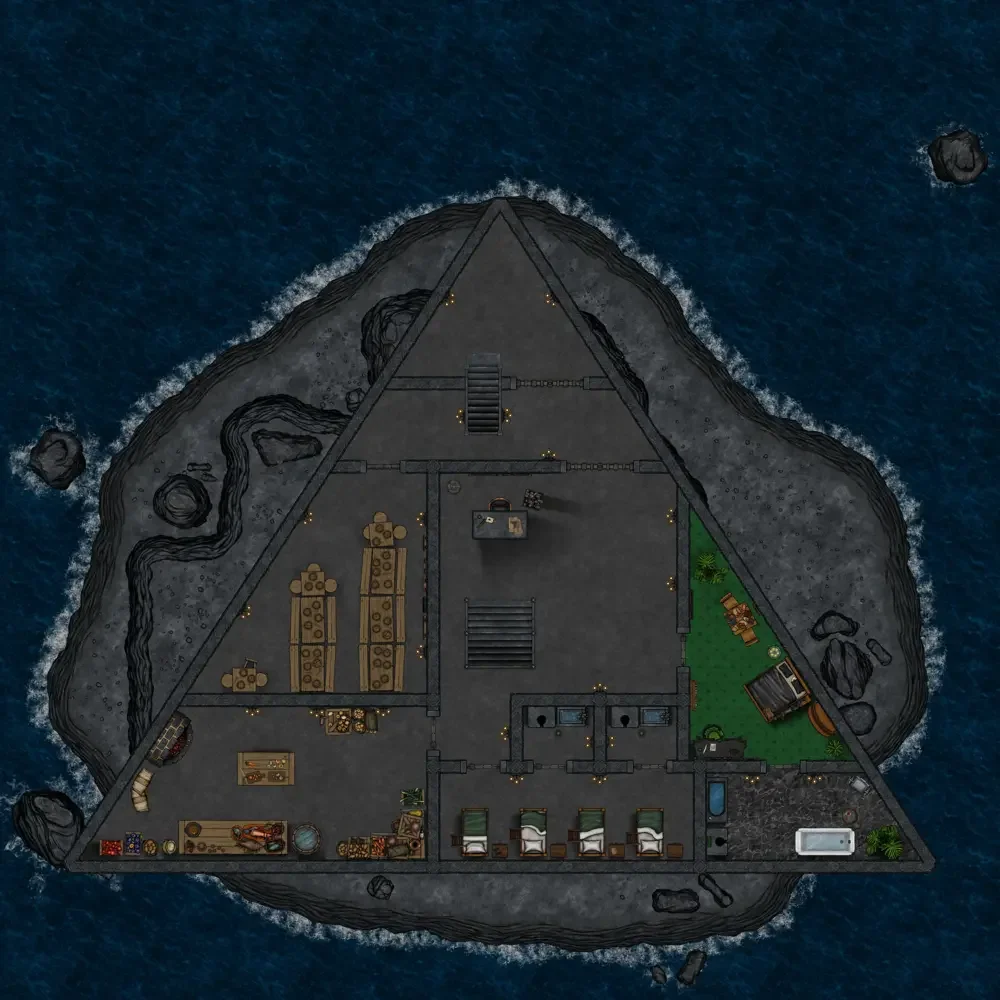 The Wizard Prison
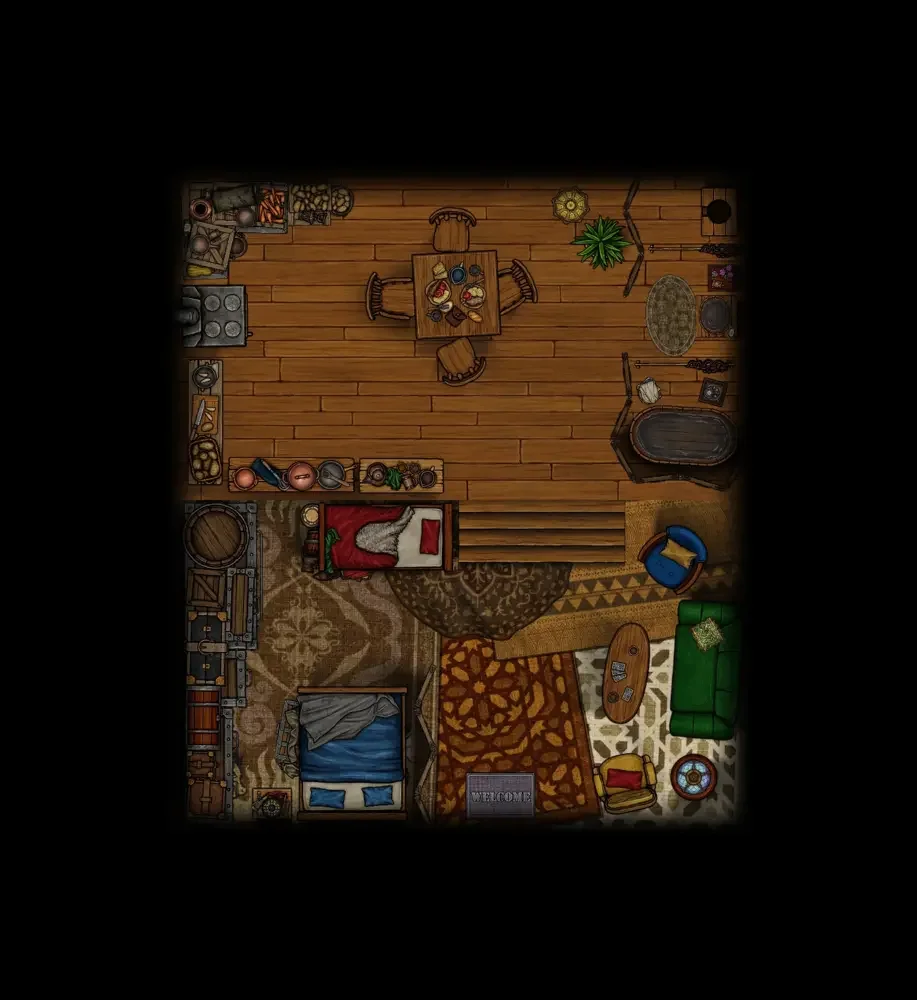 The Magic Tent
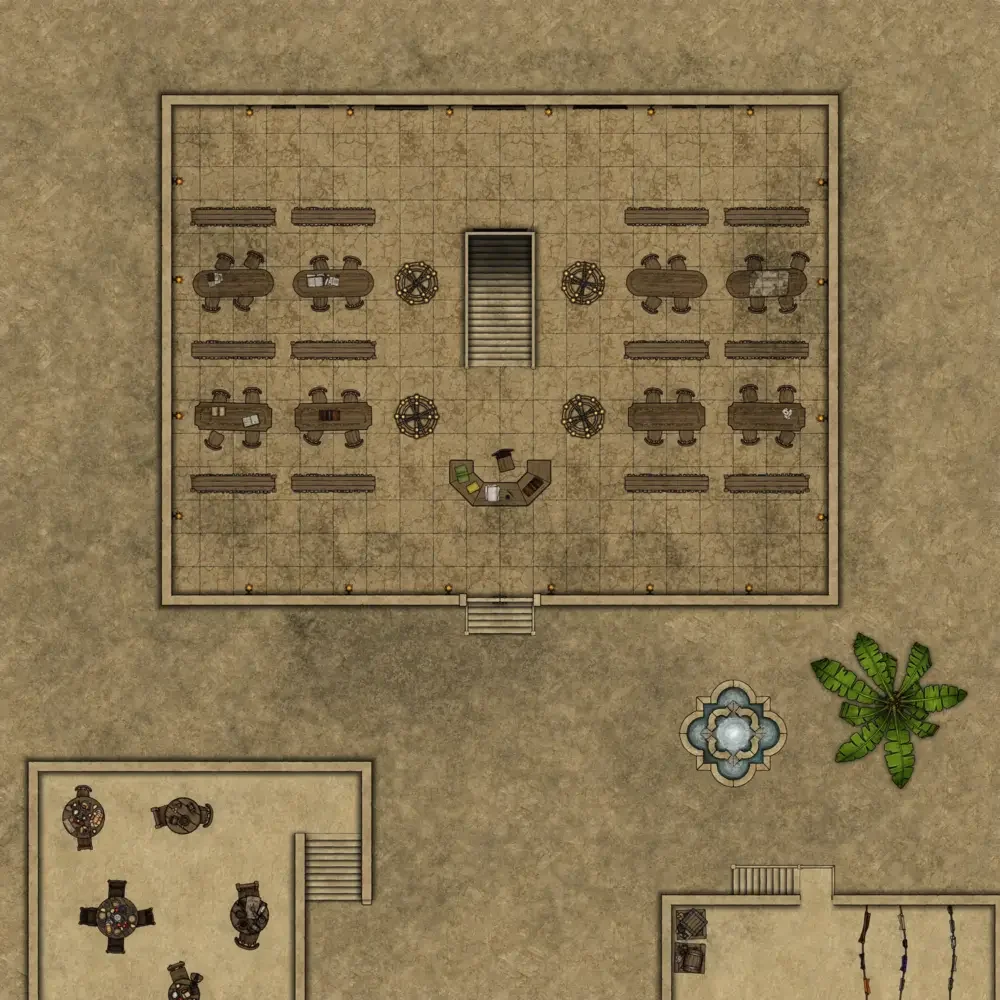 Shahzir's Library
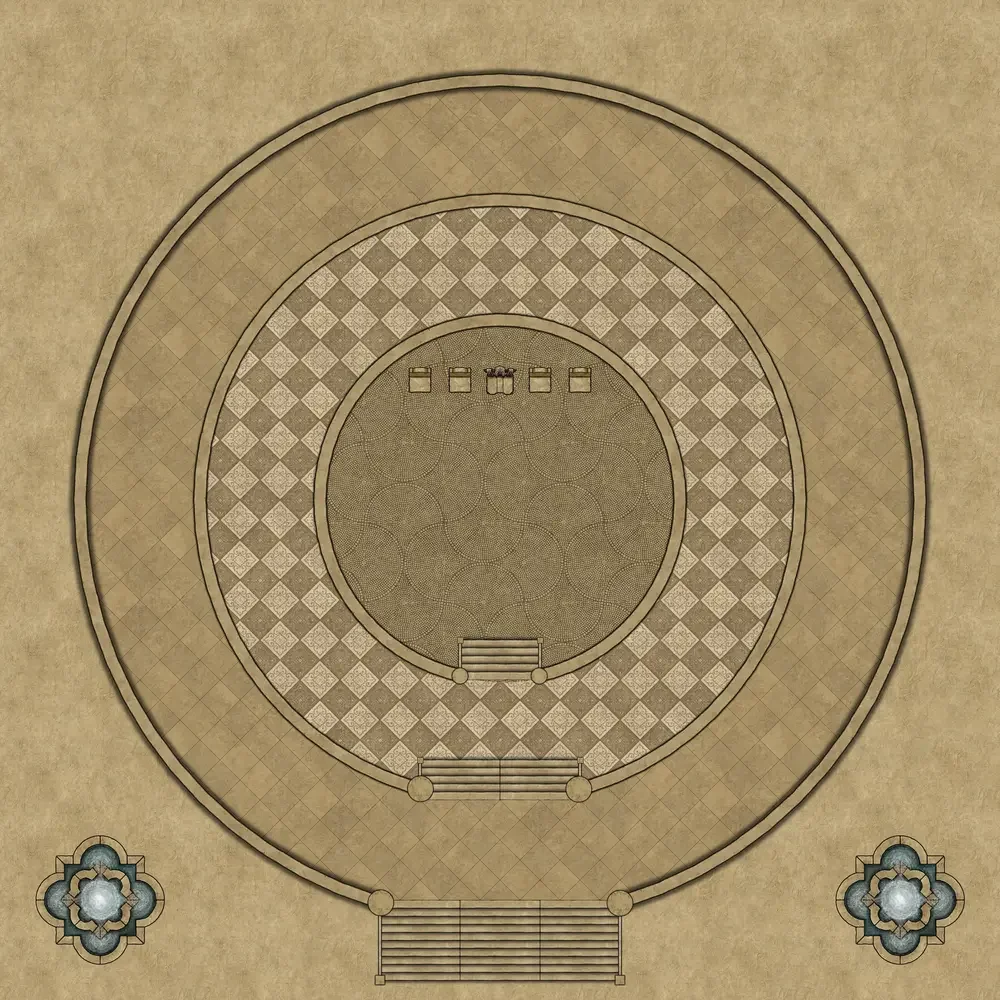 The Forum
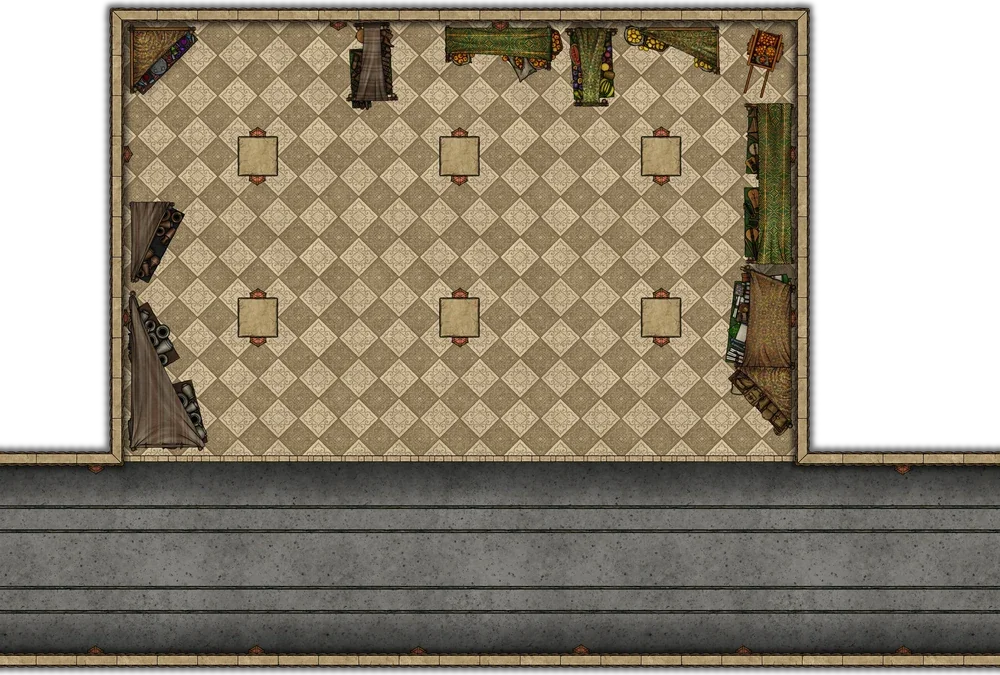 The Folkway
Run it in Foundry
This wiki is a Wizzlethorpe Vault, so you can pull the whole setting into a Foundry VTT world: pages become journal entries, the battle maps become ready-to-play scenes, and wikilinks become clickable journal links.
- In Foundry (v14+), go to Add-on Modules → Install Module, search for Wizzlethorpe Vaults, install it, and enable it in your world.
- In the Journal sidebar, click Sync Vault → Add Vault, and enter this URL:
https://ff.wizzlethorpe.com - To unlock the patron maps and DM material, click Authenticate, open the sign-in page, sign in with Patreon, approve, and paste the token back into Foundry. (The public setting syncs without this step.)
- Click Sync Vault. On the first sync you'll confirm that you trust the vault's importer.
The imported content is built for the D&D 5e system, and the scenes, actors, macros, etc. may not work properly if your world uses a different system.